

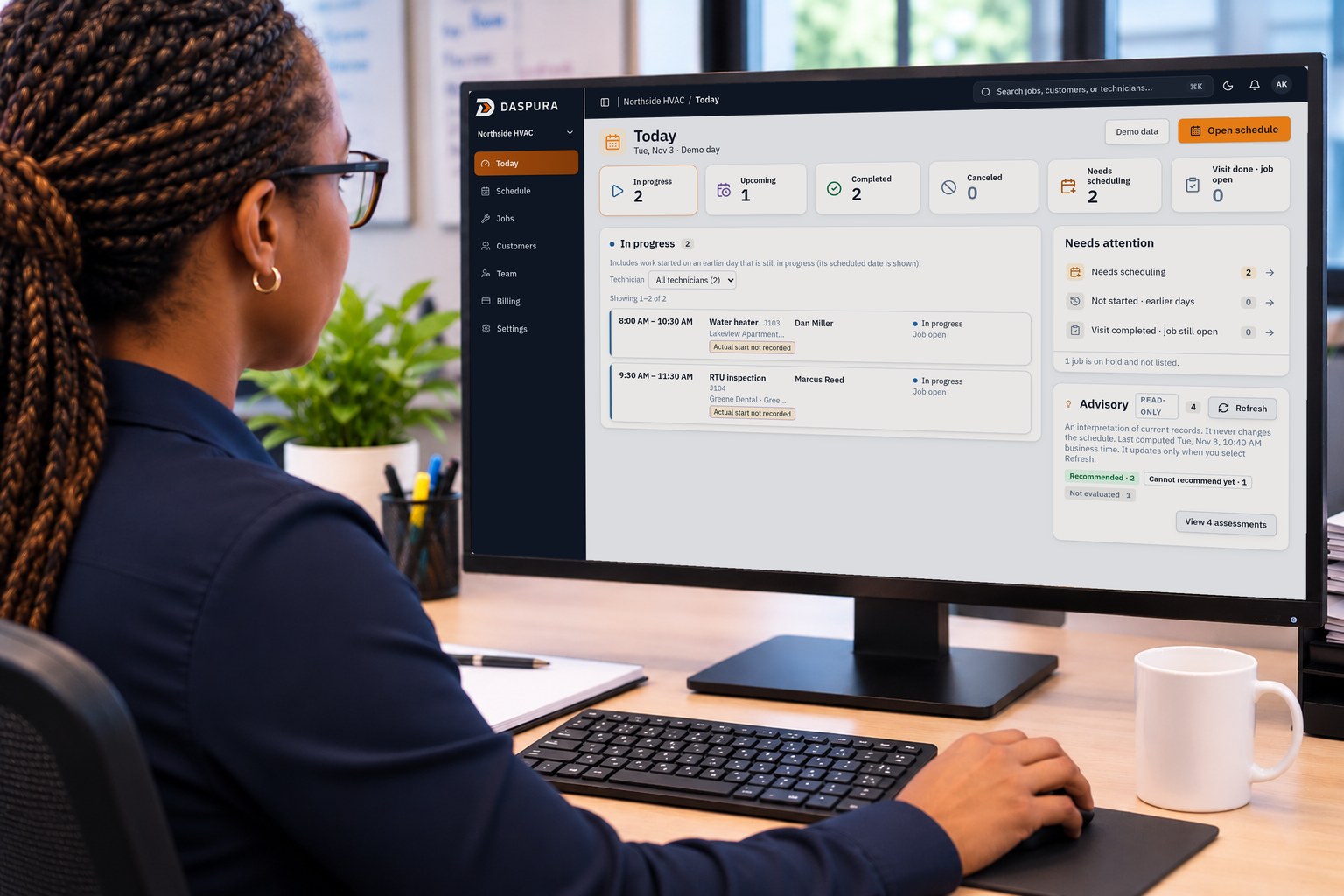
Today
Tue, Nov 3 · Demo day
Demo dataOpen schedule
Needs attention
1 job is on hold and not listed.
In progress
2Includes work started on an earlier day that is still in progress (its scheduled date is shown).
Showing 1–2 of 2
The control room for field service operations. Early access
Schedules change. Technicians run late. New jobs come in. Daspura helps you evaluate the options, understand the impact, and decide what to do next.
Know the next best move.
Tue, Nov 3 · Demo day
1 job is on hold and not listed.
Includes work started on an earlier day that is still in progress (its scheduled date is shown).
Showing 1–2 of 2
Live demo workspace · Northside HVAC
Technicians run late. Someone becomes unavailable. An urgent job comes in. A customer needs a different time.
The hard part isn't seeing that something changed. It's understanding what that change affects, and knowing what to do next.
An example service day
IllustrationDaspura sits between the office and the field. Here is where it fits in an ordinary service day.
A homeowner calls the office: the furnace won't heat.
The job and its visit go into Daspura, next to every other visit on Today and the Schedule.
03 · 04 Evaluate and decide
Something changes. Daspura checks the recorded facts, compares the options that pass, and recommends one when the evidence supports it, or tells you what's missing. The dispatcher decides.
What happens to the next visit?
The Advisory flags visits running past their scheduled end or not started on time, and says which later times it can no longer confirm.
Where can it actually fit without disrupting the rest of the day?
Daspura checks each technician and time against skills, working hours, other visits, travel and the customer's window, and shows what each option would move.
Who can take it, and what does that decision affect downstream?
Propose a new technician or time on the Schedule. Daspura checks skills, hours, overlaps, travel and customer timing before anything is saved.
Tue, Nov 3 · Demo day
1 job is on hold and not listed.
Includes work started on an earlier day that is still in progress (its scheduled date is shown).
Showing 1–2 of 2
An interpretation of current records. It never changes the schedule.
Computing the advisory from current records…
An interpretation of current records. It never changes the schedule.
Computing the advisory from current records…
Real Daspura screens. Demo data: a fictional business, customers and technicians; driving times are simulated.
See Daspura in actionDaspura never reshuffles your schedule on its own. It does the checking and comparing so your dispatcher can make a confident, informed decision.
Each option is checked against skills, working hours, existing visits, travel and customer windows.
You see the suggested next move, its trade-offs, and why other options were set aside.
Nothing on the schedule changes until a dispatcher reviews it and confirms.
05 · 06 In the field
Once the dispatcher decides, the visit moves to the technician, and the record comes back to the office.
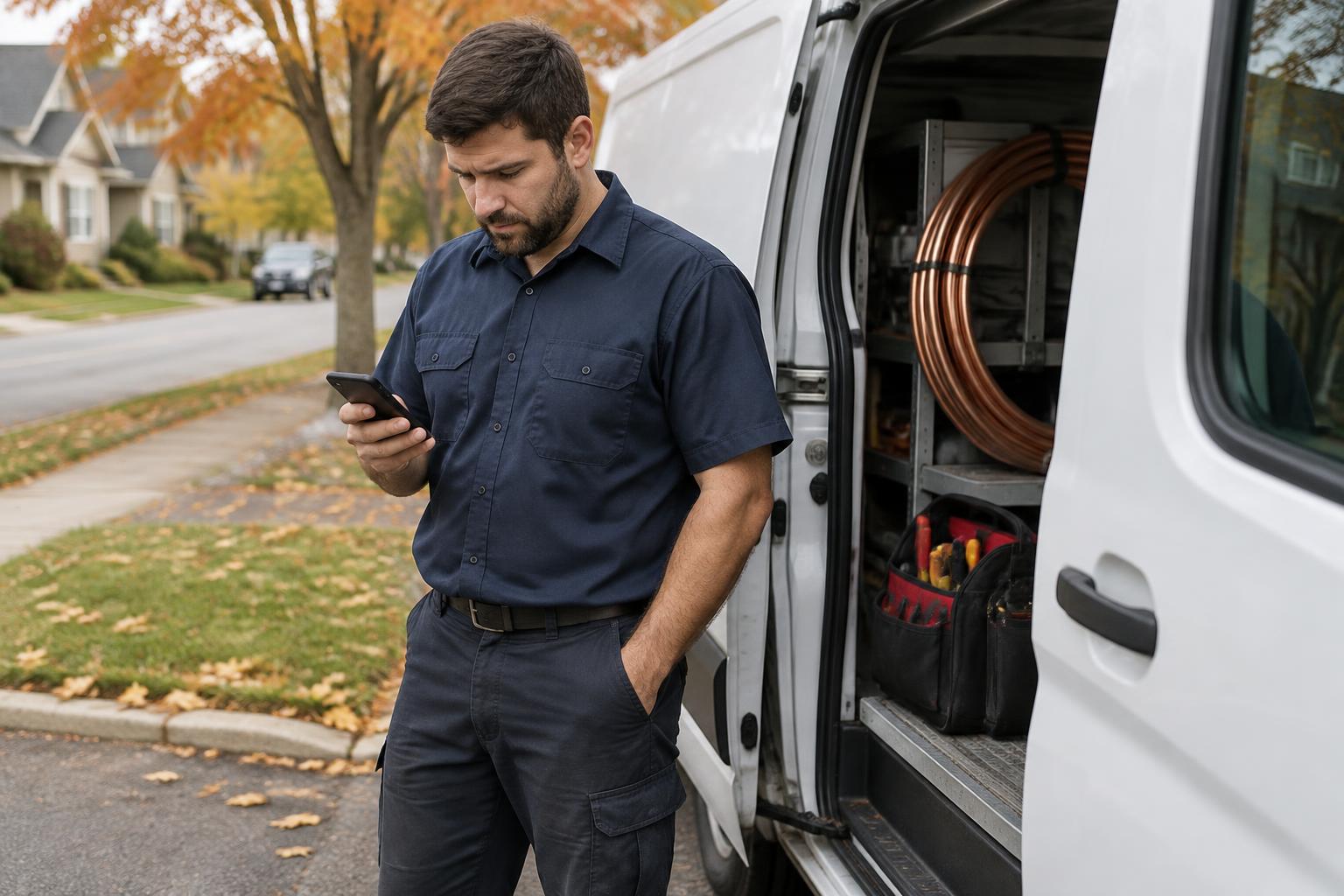
Technicians see their assigned visits on their phone, get directions, and start the visit when they arrive.
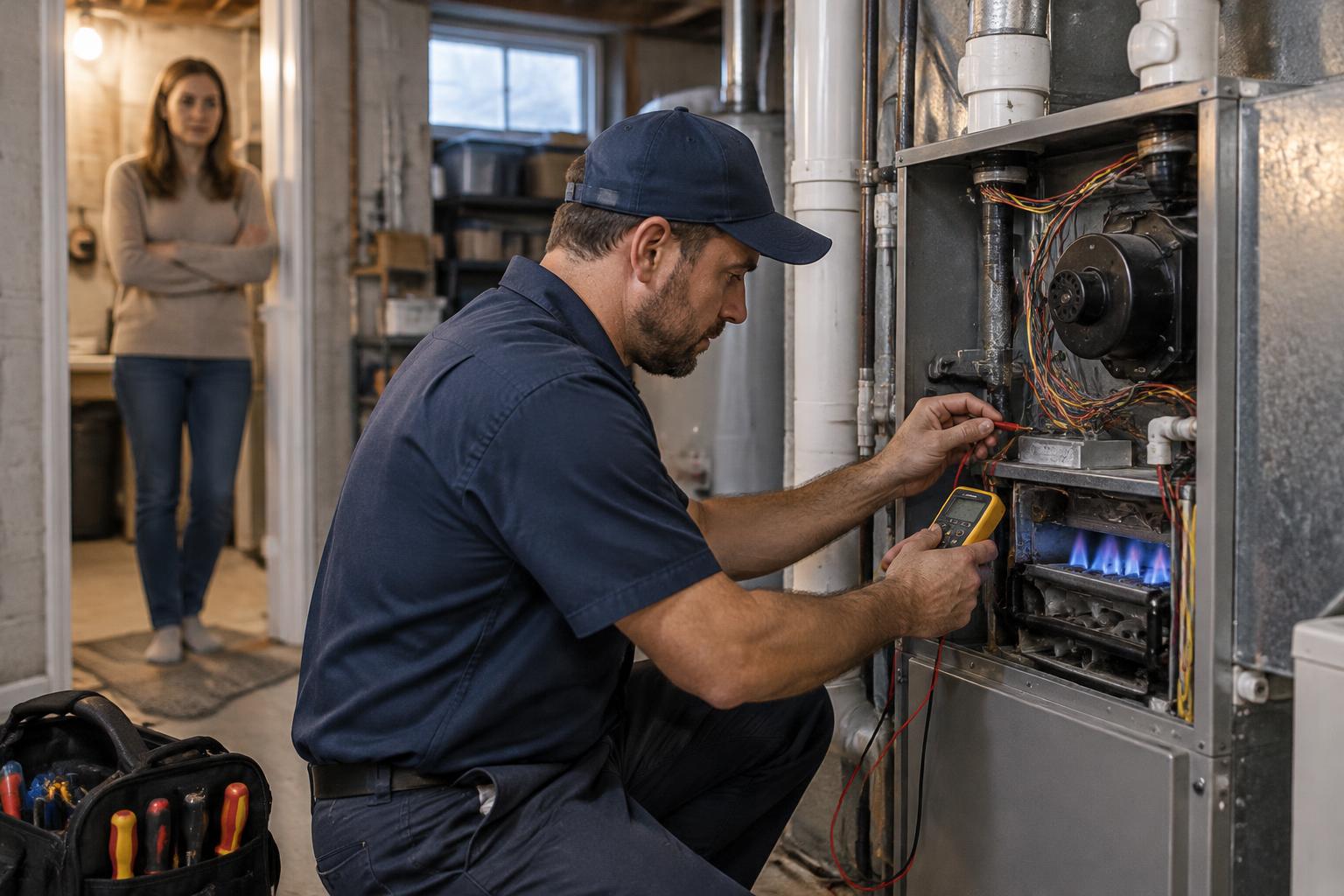
They add notes and mark the visit complete. The office sees it under Completed on Today.
Customers, jobs, visits, technicians and invoices stay linked in one record.
One job, end to end · Demo workspace
For any business that sends technicians to customer sites.
HVAC
Maintenance, repairs and installs
Plumbing
Emergency calls and scheduled service
Electrical
Service calls and project visits
Cleaning
Recurring routes and one-off jobs
Pest Control
Treatments and follow-up visits
Daspura is in controlled early access with a small number of field-service teams.